Code while you design.
Connect your repo or project folder, and Lindi puts your screens on the canvas. Keep designing, and code with Lindi Code or any other coding agent.
The intelligent canvas,
connected to your code.
Design and code stop being two copies of one product. Your screens come from your code, and what you change on them goes back into it — nobody redraws a screen, and nobody rebuilds a design by hand.
What Lindi is for designers, developers, builders and managers
Design the product,
not a picture of it
A full professional canvas — auto layout, components, variables, prototyping — on the real screens of the app you ship. Change one and push: the change is in the code, not in a file someone has to copy by hand.
- The whole canvas, under its usual names
- Components and variables that are the real thing
- Push to code when the design is right
Built for the whole team,
not the tooling.
Designers, product managers and developers open the same file, and each meets their own view of it — the canvas, Lindi Code, the code. The handoff is not shortened. It is gone.
 One file, late shift
- Their real screens, in Lindi
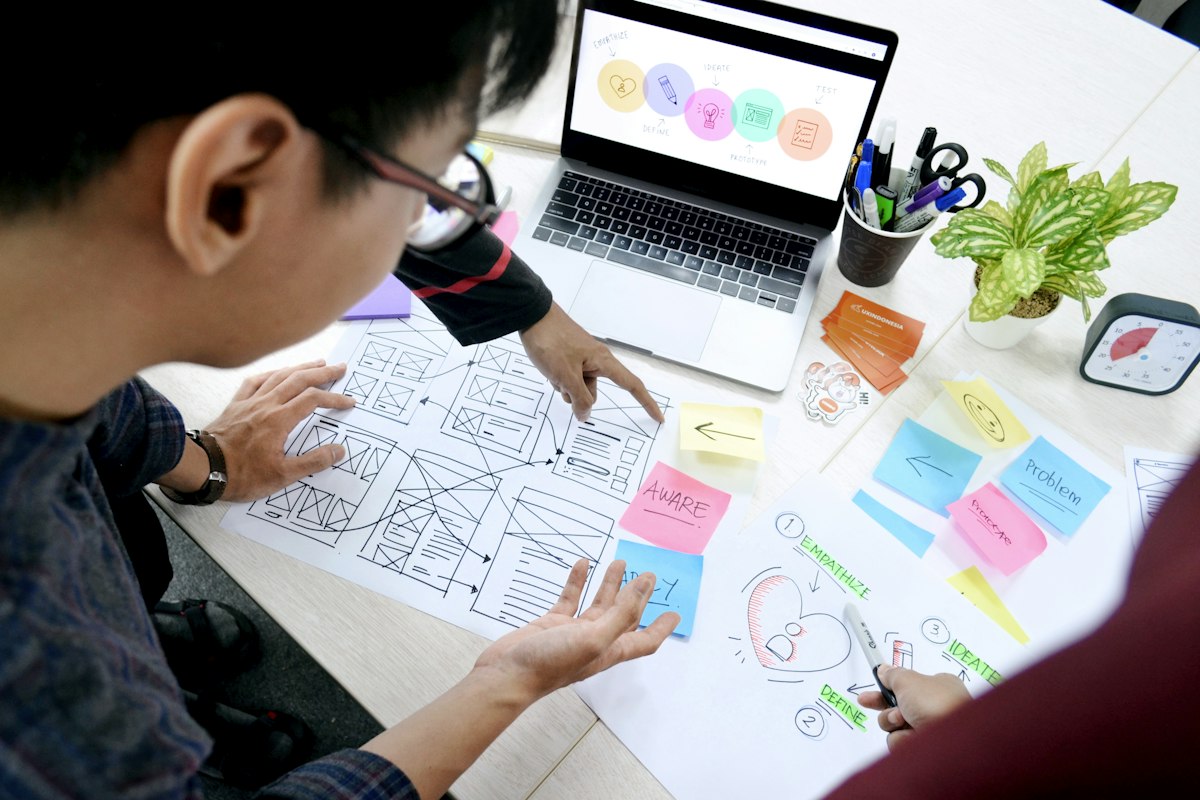 Design, before the screen
Everything your team needs
to ship without a handoff
Everyone in the same file
Cursors, presence and live editing on the real screens — not on a copy of them.
Comments on the exact spot
Pin a note to the screen it belongs to, and answer it where the work is.
Branch, review, merge
Try a change on a branch of the file, ask for a review, and merge it back when it is ready.
Only the tools you use
On a whitelabel, switch off what your teams do not use. What is off is gone from the interface and blocked on the server.
Every version has a name on it
Named checkpoints, and whoever made them. Restore one and the current version is saved first.
Who is allowed to do what
Every role carries an explicit list of permissions, set centrally and checked on the server — not hidden in the interface.
One library for the team
Publish a file as a library, and the whole team designs from the same components and variables.
Where design and code
stay one thing
Lindi takes a change from the canvas into your code without anyone rebuilding it on the way — on your real screens, with your components, through the review your team already runs.
Design on your real screens
Connect a repo or a project folder and Lindi puts its screens on the canvas. Change any part of them — what you change is the product, not a picture of it.
Or describe it to Lindi Code
Say what should be different. In Build mode, Lindi Code asks what it needs, shows you a plan, and builds it once you approve.
Push, and the code changes
Pushing a design touches the code. The change lands in your project as ordinary edits to its files, ready for someone to read.
Or bring your own agent
Claude Code, Codex, Cursor — any coding agent that speaks MCP reads the design, with its real sizes and variables, and writes the change.
Change it once, everywhere
Components and variables are the real thing, not a copy. Edit the source and every screen using it follows.
One file, every role
Design, product and engineering open the same file. The role decides the view, and the server decides the role.
Control at every level
The six questions a security review asks, each answered by something in the product rather than by a policy page — and each one drawn.
- 01Roles & permissions
Every role carries an explicit list of permissions, set centrally and checked on the server — not merely hidden in the interface.
- 02Sharing you can audit
A link is off, company-only or open to anyone, and grants viewing or editing. Requests for access wait for the owner or an editor, and every change is logged.
- 03An AI switch
An admin can turn AI off for the whole company. Requests in flight stop, new ones are refused on the server, and the change is logged.
- 04Version history
Every file keeps its own history, with checkpoints you name. Restoring an old version saves the current one first, so nothing is lost.
- 05Branch & review
Try a change on a branch of the file, ask for a review, and merge it back when it is ready. The original is untouched until then.
- 06Whitelabel
Lindi under your brand and domain, with your design system built in and only the tools your teams use — set up and run with you.
Lindi, under your name.
Run Lindi as your own platform — your brand, your domain, your design system built in — the way Shamel runs for government teams in Saudi Arabia. We set it up and run it with you, and shape it around how your teams work.

Built and shipped with
National institutions and the teams around them — the deployments behind the record.





Start coding while you design.
Lindi is free for its early users. Tell us about your team and we answer within 48 hours — yes or no.
- 1You connect your project
- 2We open your screens with you, on a call
- 3Your first push lands in your code
Already in production,
at national scale.
Lindi came out of Nacew, an agency that delivered government software used by tens of millions of people. We met the handoff on every engagement — and built the thing that removes it.
- 35M+
- citizens servedby applications built on Lindi — end users reached, not Lindi accounts
- Live
- government deploymentsrunning in production today — not prototypes, in daily use
Nacew · Riyadh & Prishtina